
E-Futures Space Station
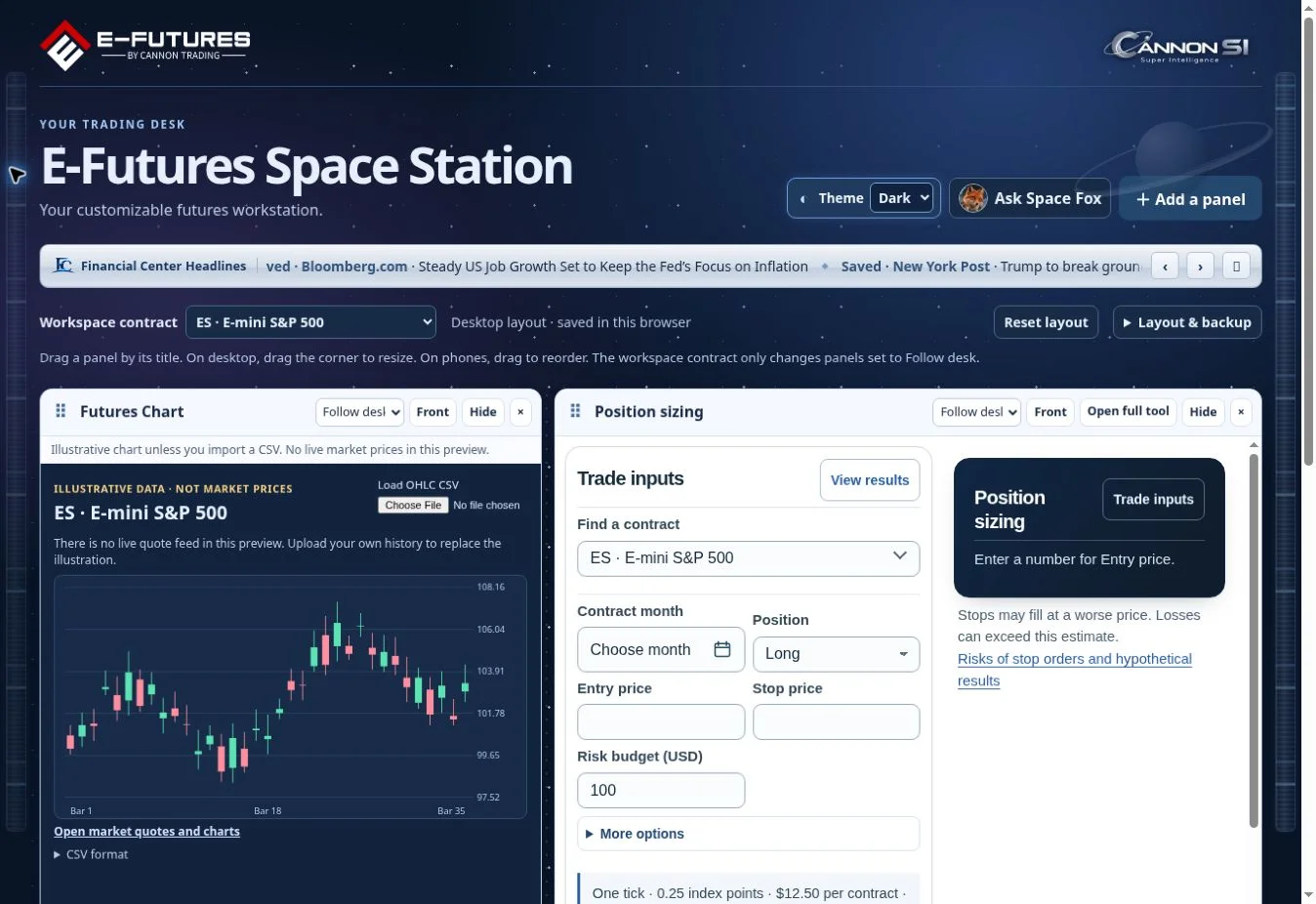
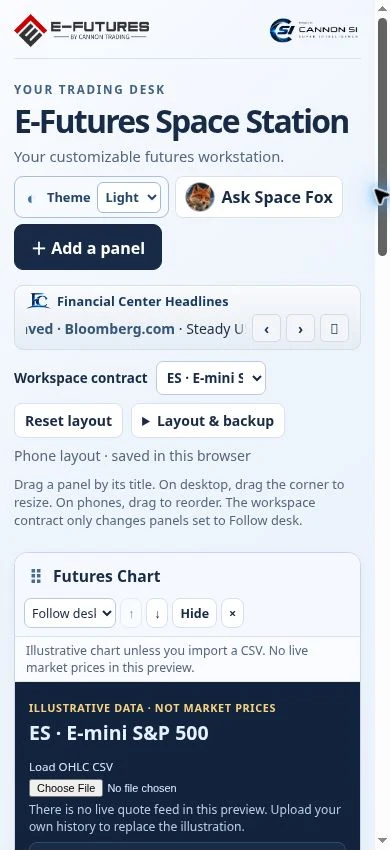
Keep the calculators and market references you use together. Lay them out side by side on desktop, or reorder them into a short stack on your phone.
Open Space Station
Set up your desk in three steps
- Add a toolOpen the Panel Library and add Position Sizing, P&L, Tick Converter or another tool you use. The full tool page is a click away for examples and detailed explanations.
- Arrange your panelsOn desktop, drag a title to move a panel or pull its lower-right corner to resize it. On a phone, reorder the stacked panels. Set a workspace contract or pin a supported calculator to another contract.
- Back up your layoutYour browser remembers desktop and phone layouts separately. Open Layout & backup to download a copy you can restore in another browser. No account is required.
Make it yours
Ask Space Fox for help using the station. The station starts in Dark. Choose Light or Auto in the Theme menu. Auto follows your device’s local time.
Know what you’re looking at
The chart shows illustrated prices unless you import your own OHLC data. It is not a live quotes feed. The Financial Center bar shows linked headlines when available; a saved snapshot is labeled as such.
Calculations are estimates, not instructions to trade. Futures involve substantial risk of loss. Read the risk disclosure.